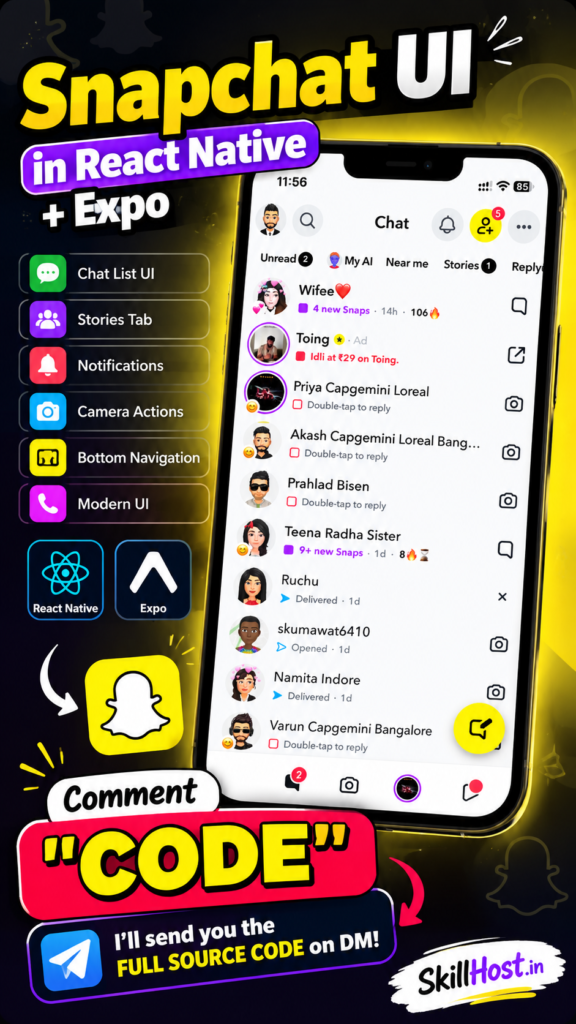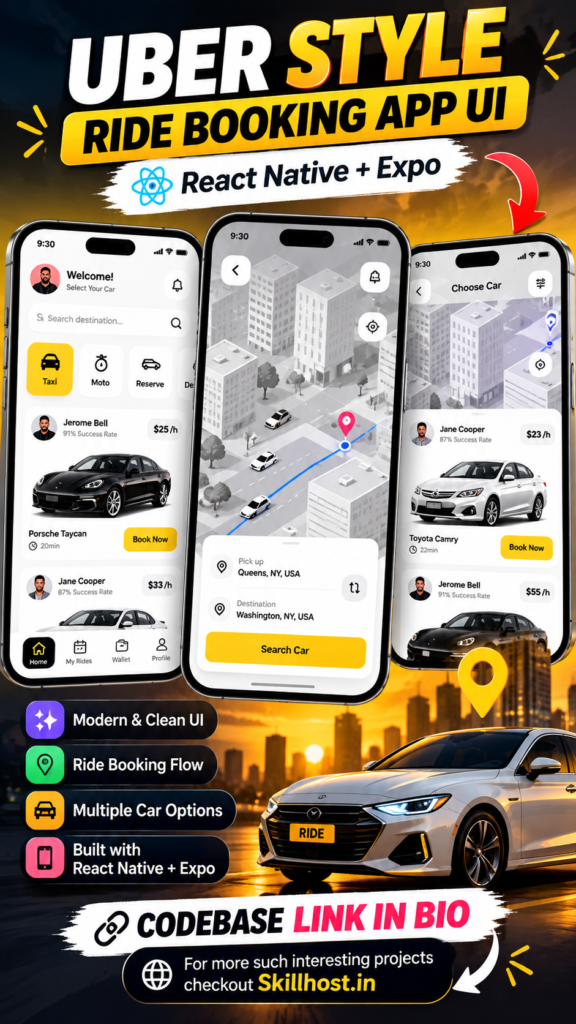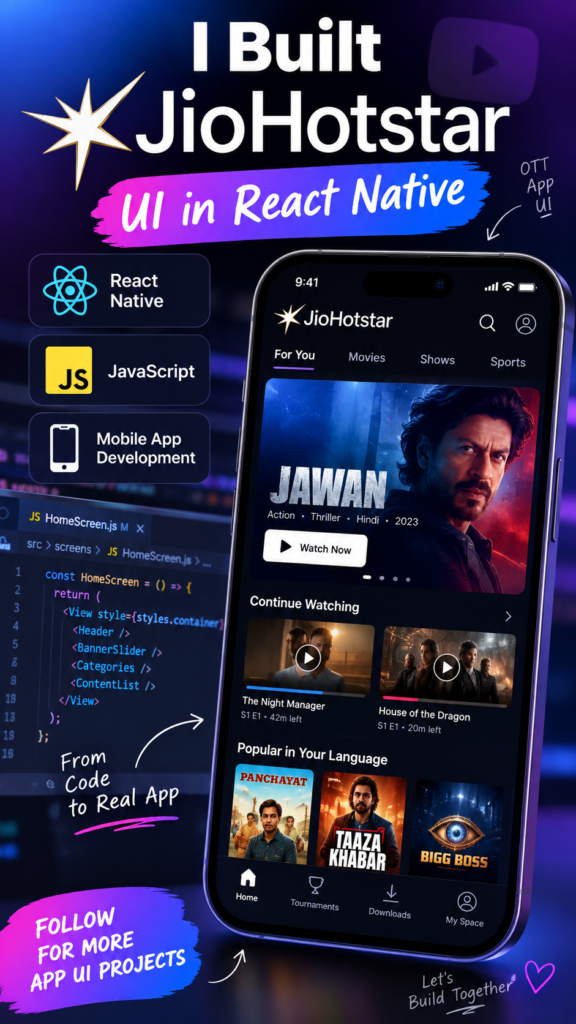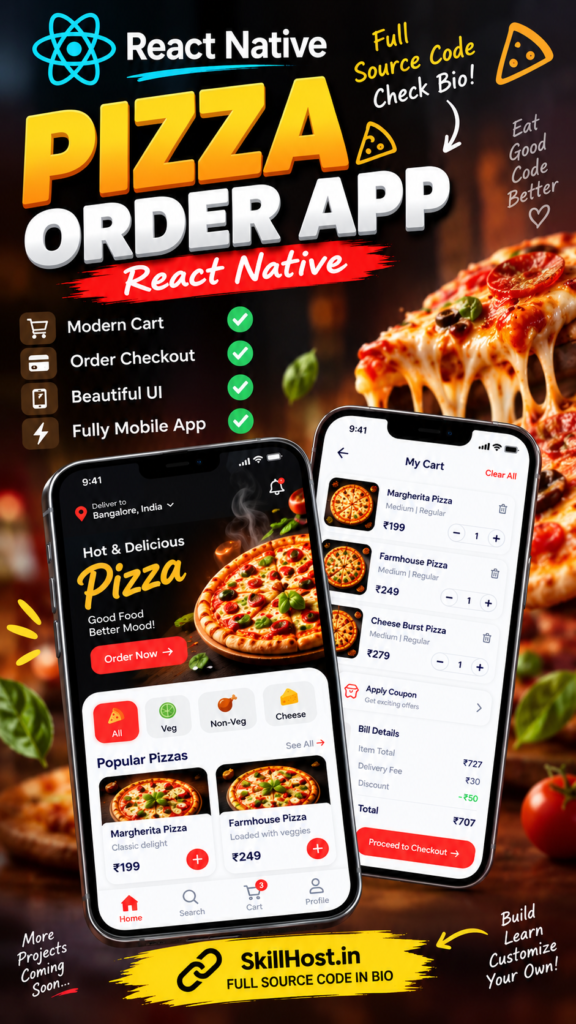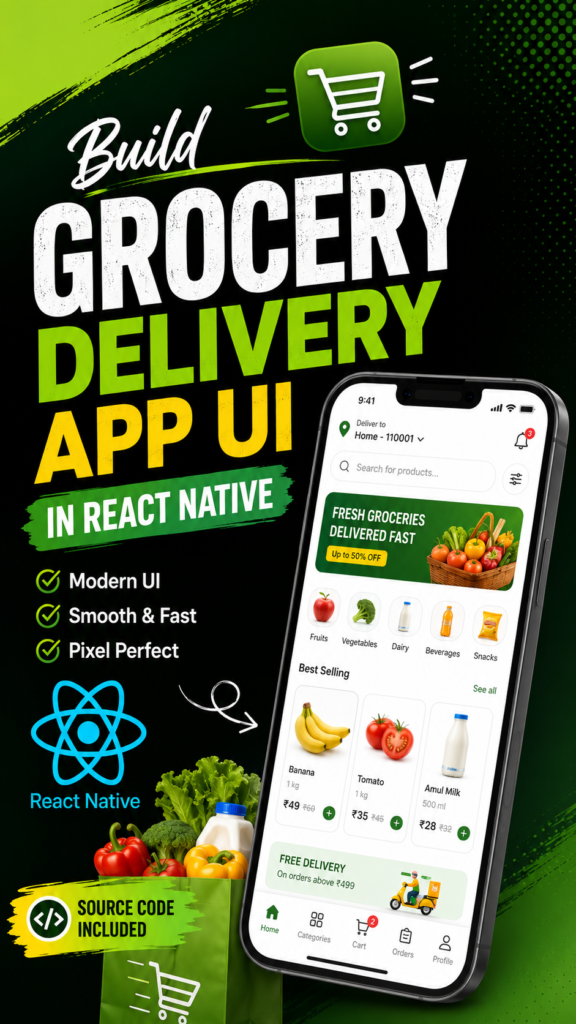
Build a modern grocery delivery app interface inspired by Blinkit’s quick-commerce experience using Build a modern quick-commerce grocery delivery app interface inspired by Blinkit’s shopping experience using React Native, JavaScript and Expo.
This project is designed for developers who want to learn how to create a real-world grocery shopping mobile application with product categories, product listings, search, cart functionality and a modern mobile-first interface.
Disclaimer: This is an independent educational project inspired by modern quick-commerce and grocery delivery applications. It is not affiliated with, sponsored by, endorsed by, or officially associated with Blinkit.
🛒 About the Project
The Blinkit Grocery Delivery App UI is a React Native mobile application project that demonstrates how to create a modern grocery shopping experience.
The project focuses on the mobile frontend/UI, with an emphasis on reusable React Native components, product browsing, categories, search, product details and cart interactions.
It can be used as a learning project, portfolio project, or starting point for developers who want to experiment with building a grocery delivery application using React Native.
The project can be downloaded as a ZIP file from SkillHost and run locally using Expo.
⚛️ What is React Native?
React Native is an open-source framework created by Meta for building mobile applications using JavaScript and React.
Instead of developing completely separate applications for Android and iOS, React Native allows developers to use a shared React-based codebase for both platforms.
A simplified architecture looks like this:
React Native
     │
     ├── Android
     │
     └── iOS
This makes React Native a popular choice for developers who already understand React.js and want to start developing mobile applications.
Why React Native?
Some advantages include:
- JavaScript-based development
- Reusable components
- React programming model
- Cross-platform development
- Large ecosystem
- Fast development workflow
- Easy API integration
- Good tooling for modern mobile applications
🚀 Why Expo?
This project uses Expo to simplify React Native development.
Expo provides a convenient development environment for creating, testing and running React Native applications.
It is especially useful for beginners because you can start developing without immediately dealing with complex native Android and iOS configuration.
Expo can help with:
- Running React Native projects
- Testing on physical devices
- Development builds
- Asset management
- Application configuration
- Building applications
For this project, Expo is the recommended way to get started.
⚡ What is Quick Commerce?
Quick commerce, often called Q-commerce, is a form of online shopping focused on delivering products to customers in a very short time.
Unlike traditional e-commerce, where deliveries may take one or several days, quick-commerce applications are designed around:
Browse
   ↓
Select Product
   ↓
Add to Cart
   ↓
Checkout
   ↓
Fast Delivery
Grocery delivery applications use this model to provide customers with everyday products such as:
- Fruits and vegetables
- Snacks
- Beverages
- Dairy products
- Personal care products
- Household items
- Packaged food
This project uses that concept as inspiration for its mobile UI.
🚀 Project Features
🏠 Grocery-focused Home Screen
The home screen provides a modern grocery shopping experience with product sections and categories.
Users can quickly discover products and navigate through the application.
🗂️ Product Categories
Products can be organized into different grocery categories.
For example:
Fruits & Vegetables
     ↓
Dairy & Breakfast
     ↓
Snacks
     ↓
Beverages
     ↓
Personal Care
     ↓
Household
This makes it easier for users to discover products.
🔎 Product Search
The application provides a search interface that allows users to find products without manually browsing through every category.
A typical flow is:
User enters product
        ↓
Search
        ↓
Matching products
        ↓
Product details
🛍️ Product Listing
Products are displayed using reusable product cards.
Each product card can contain information such as:
- Product image
- Product name
- Price
- Quantity/pack information
- Add button
This structure can be reused throughout the application.
📦 Product Details
Users can select a product to view its detailed information.
The product details screen provides a dedicated space for displaying information about the selected grocery item.
➕ Add to Cart
Users can add products to their shopping cart directly from the product interface.
This creates the basic shopping flow:
Product
   ↓
Add to Cart
   ↓
Cart
➖ Quantity Controls
Once a product has been added to the cart, users can increase or decrease the quantity.
For example:
[-] 1 [+]This is an important part of a grocery shopping experience because users frequently purchase multiple units of the same product.
🛒 Shopping Cart
The cart screen provides an overview of selected products.
It can contain:
- Selected products
- Quantities
- Prices
- Quantity controls
- Total amount
The cart provides the final step before a future checkout implementation.
📱 Mobile-first Interface
The application is designed primarily for mobile devices.
The UI focuses on:
- Touch-friendly controls
- Mobile layouts
- Product cards
- Easy navigation
- Clear call-to-action buttons
🧩 Reusable Components
The project uses reusable React Native components rather than putting everything inside one large screen.
For example:
ProductCard
CategoryCard
Header
SearchBar
CartItem
Button
Reusable components make the application easier to maintain and extend.
📱 Screens Included
Depending on the project version, the application can include screens such as:
🏠 Home Screen
The main grocery shopping screen.
🗂️ Category Screen
Displays products based on the selected grocery category.
🔎 Search Screen
Allows users to search for grocery products.
🛍️ Product Listing
Displays available grocery products.
📦 Product Details
Displays information about an individual product.
🛒 Cart Screen
Displays products that the user has added to the shopping cart.
🛠️ Technologies Used
React Native
Used to build the mobile application.
JavaScript
Used as the primary programming language.
Expo
Used as the development environment for running and testing the application.
React Navigation
Used to navigate between application screens.
React Components
Reusable components are used to keep the project organized.
React Native Styling
Used for layouts, spacing, typography and visual styling.
📂 Project Structure
A typical React Native project may have a structure similar to:
blinkit-grocery-app/
│
├── assets/
│   ├── images/
│   └── icons/
│

│
├── screens/
│   ├── HomeScreen.js

│
├── navigation/
│   └── AppNavigator.js
│
├── App.js
├── package.json
└── ...
The exact structure can vary depending on the version of the downloaded project.
💻 Requirements
Before running the project, install:
Node.js
Check your installation:
node -vnpm
Check:
npm -vnpm normally comes bundled with Node.js.
Expo
You can use Expo through npx without necessarily installing Expo globally.
Test it with:
npx expo --version📥 Download the Project
Download the complete project ZIP using the DOWNLOAD PROJECT button on this page.
After downloading, extract the ZIP.
For example:
Downloads/
└── blinkit-grocery-app/
Open the extracted folder using VS Code or another code editor.
⚙️ Step 1 — Install Dependencies
Open your terminal inside the project directory.
Run:
npm installThis installs the dependencies defined inside package.json.
Wait until the installation completes successfully.
🚀 Step 2 — Start Expo
Start the Expo development server:
npx expo startExpo will start the development server and provide a QR code.
You can then select the platform you want to use.
📱 Step 3 — Run on Android Phone
Install Expo Go on your Android device.
Connect your computer and phone to the same Wi-Fi network.
Then run:
npx expo startScan the displayed QR code using Expo Go.
The application should open on your phone.
🍎 Step 4 — Run on iPhone
Install Expo Go on your iPhone.
Start the project:
npx expo startScan the QR code using the Expo Go application.
The project should load on your device if the project and network configuration support it.
🖥️ Step 5 — Run on Android Emulator
If Android Studio and an Android emulator are already configured:
npx expo startThen press:
aExpo will attempt to open the application on the Android emulator.
🌐 Step 6 — Run on Web
If the project’s dependencies support Expo Web, try:
npx expo start --webThe application will open in your browser.
However, this is primarily a mobile application project, so mobile should be considered the main target.
🧹 Troubleshooting
If you encounter dependency problems, remove node_modules and reinstall the dependencies.
macOS/Linux
rm -rf node_modules
npm install
Windows PowerShell
Remove-Item -Recurse -Force node_modulesThen:
npm installStart Expo again:
npx expo start🔄 Clear Expo Cache
If the application isn’t behaving correctly after installing dependencies, try:
npx expo start -cThis clears the Metro/Expo cache and starts the development server again.
📦 What’s Included?
The downloadable project includes the project source code and assets required by the project.
Depending on the project version, this may include:
- React Native source code
- Expo configuration
- JavaScript files
- Application screens
- Reusable components
- Navigation
- Product UI
- Category UI
- Search UI
- Cart UI
- Assets
- Styling
package.json- Configuration files
🔧 Ideas for Future Development
This UI project can be extended into a much more complete grocery delivery application.
🔐 User Authentication
Add:
Login
Register
OTP Verification
Forgot Password
Profile
📍 Location Management
Add:
Current Location
Saved Addresses
Delivery Address
Location Search
🛍️ Backend API
Connect the React Native application to a backend API:
React Native
      ↓
REST API
      ↓
Backend
      ↓
Database
The backend could manage:
- Products
- Categories
- Users
- Cart
- Orders
- Addresses
- Inventory
💳 Payment Integration
A production version could integrate a payment gateway for checkout and order processing.
📦 Order Management
You could add:
Cart
 ↓
Checkout
 ↓
Payment
 ↓
Order Created
 ↓
Order Tracking
🏪 Inventory Management
A grocery application can also connect inventory data with the backend.
For example:
Product
   ↓
Available?
   ├── Yes → Add to Cart
└── No → Out of Stock👨💼 Admin Dashboard
A complete backend system could include an admin dashboard for managing:
- Products
- Categories
- Inventory
- Orders
- Customers
- Delivery addresses
- Promotions
🎯 Who Is This Project For?
This project can be useful for:
- React developers learning React Native
- Beginners learning Expo
- Students building mobile application projects
- Developers practicing e-commerce UI development
- Developers creating portfolio projects
- Developers learning reusable React Native components
- Developers experimenting with grocery delivery applications
⚠️ Disclaimer
This is an independent educational project inspired by modern grocery delivery and quick-commerce applications.
It is not affiliated with, sponsored by, endorsed by, or officially associated with Blinkit.
Blinkit and its associated trademarks, logos, brand names and other intellectual property belong to their respective owners.
This project should not be represented as an official Blinkit application.
📺 Watch the Demo
Want to see the application before downloading it?
Watch the project demo through the YouTube, Instagram Reel or Facebook video provided above.
You can see the application’s interface and functionality before downloading the source code.
📥 Download the Complete Project
Ready to experiment with the project?
Download the complete Blinkit-inspired grocery delivery React Native project and start exploring the source code.
After downloading:
npm installThen:
npx expo startOpen it using Expo Go or an available development environment and start building.