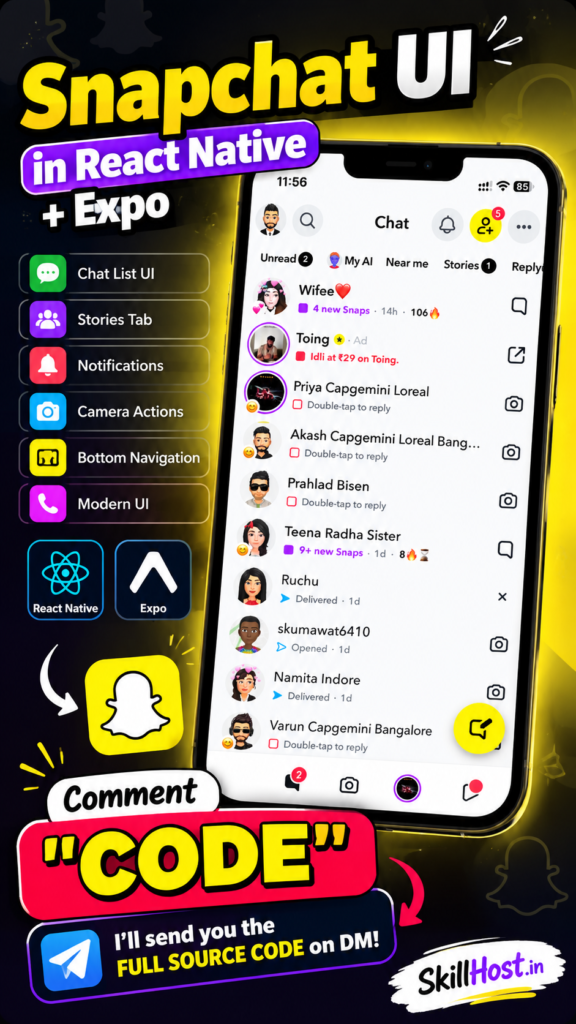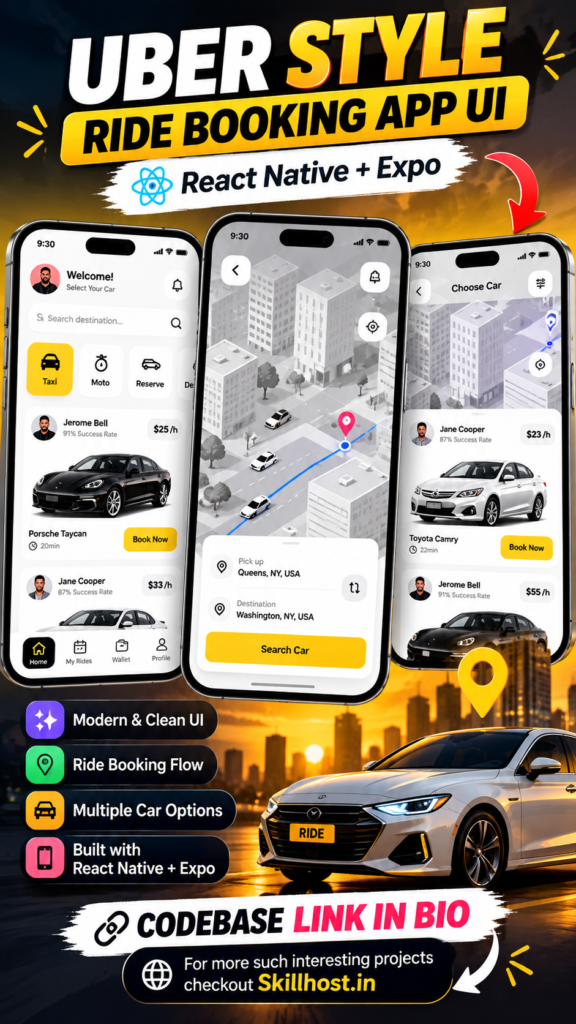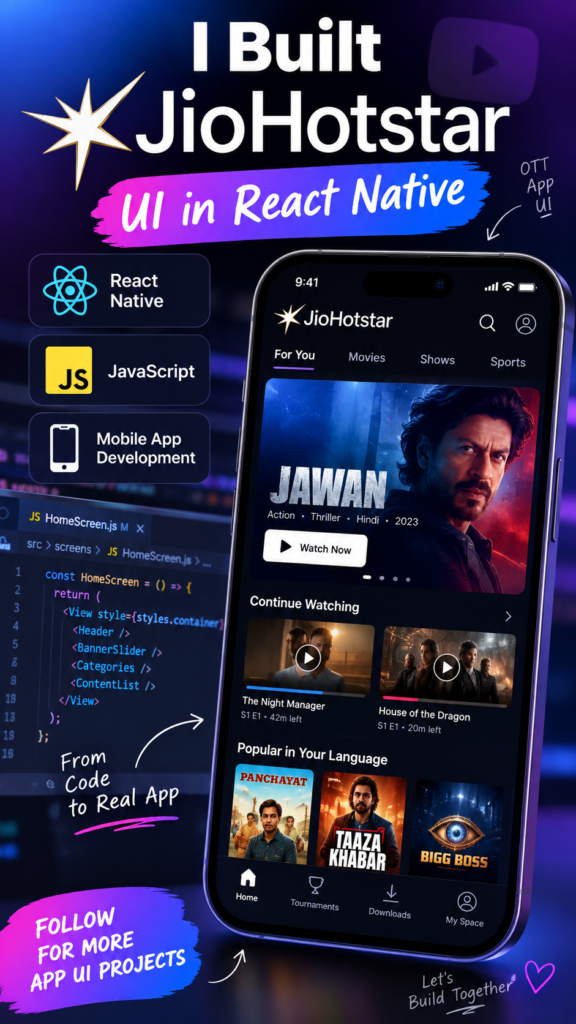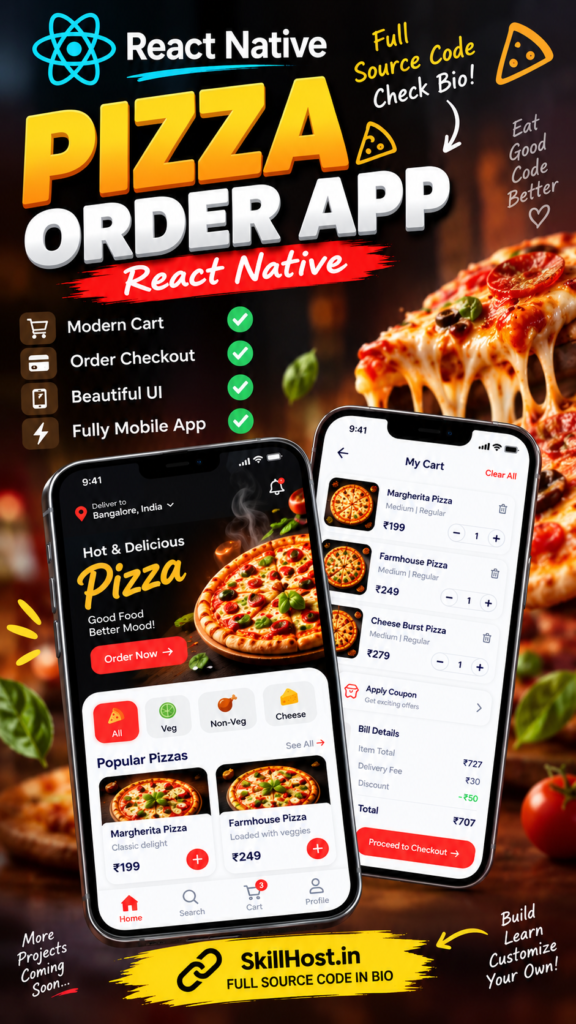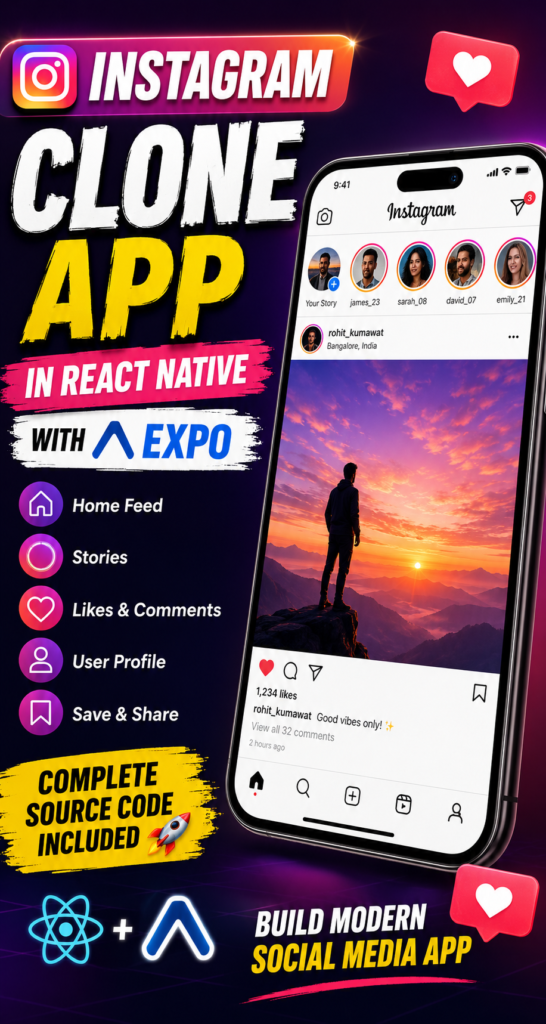
Build an Instagram App Clone using React Native and Expo with modern social media UI, stories, posts, likes, comments, profiles and responsive mobile screens. Learn how to set up and run the project with Expo.
Build a modern Instagram-inspired social media mobile application using React Native and Expo.
This project recreates popular social media interface patterns such as a home feed, stories, posts, profile screens, navigation and interactive social-media components.
It is a useful project for developers who want to learn how to build an Instagram-style mobile application with React Native while using Expo for faster development and testing.
Note: This is an independent educational project inspired by common social-media UI patterns. It is not affiliated with or endorsed by Instagram or Meta.
Project Features
📱 Instagram-Style Home Feed
A modern social media feed where users can browse posts in a familiar Instagram-inspired layout.
🟣 Stories UI
Horizontal stories section at the top of the feed with profile images and story indicators.
❤️ Post Interactions
Interactive UI elements for common social-media actions such as:
- Like
- Comment
- Share
- Save
👤 User Profile
Profile screen containing:
- Profile image
- Username
- Bio
- Followers
- Following
- Posts
- Photo grid
🖼️ Post UI
Instagram-inspired post layout with:
- User information
- Post image
- Like button
- Comment button
- Share button
- Save button
- Caption
- Engagement information
🧭 Bottom Navigation
Mobile-friendly navigation for accessing different sections of the application.
📱 Responsive Mobile UI
The interface is designed for different mobile screen sizes.
🧩 Reusable Components
The application uses reusable React Native components to make the project easier to maintain and customize.
Technologies Used
- React Native
- Expo
- JavaScript
- React
- React Navigation
- Expo Go
- npm
How to Set Up Instagram Clone with Expo
Requirements
Before running the project, install:
- Node.js
- npm
- Visual Studio Code
- Expo Go
- Git (optional)
Check your Node.js installation:
node -vCheck npm:
npm -vStep 1 – Download the Project
Download the Instagram Clone project from SkillHost and extract the ZIP file.
Open the extracted project folder in Visual Studio Code.
Step 2 – Open the Terminal
Open the terminal inside the project directory:
cd instagram-cloneReplace instagram-clone with your actual project folder name if it is different.
Step 3 – Install Dependencies
Run:
npm installThis installs all dependencies required by the React Native Expo project.
Step 4 – Start Expo
Start the Expo development server:
npx expo startExpo will open the development dashboard and provide a QR code.
Step 5 – Run on Your Mobile
Install Expo Go on your Android or iOS device.
Connect your phone and computer to the same Wi-Fi network.
Scan the QR code displayed by Expo.
The Instagram-style application should then open on your mobile device.
Run on Android Emulator
If Android Studio and an Android emulator are configured on your computer:
npx expo startThen press:
aExpo will launch the application on the Android emulator.
Run on iOS Simulator
If you are using macOS with Xcode installed:
npx expo startThen press:
iThe project will launch in the iOS simulator.
Clear Expo Cache
If you encounter unexpected caching or bundling issues, try:
npx expo start -cThis clears the Metro/Expo cache and starts the development server again.
What You Can Learn From This Project
This project can help developers understand how to build a social-media-style application using React Native.
You can learn:
- React Native component development
- Mobile UI design
- React Native navigation
- Reusable components
- Lists and feed layouts
- Image-based UI
- Social media interactions
- Profile layouts
- Mobile responsive design
- Expo development workflow
Checkoiut the below more intersting projects.
https://skillhost.in/projects/amazon-shopping-app-react-native/
https://skillhost.in/projects/myntra-shopping-app-ui-react-native/