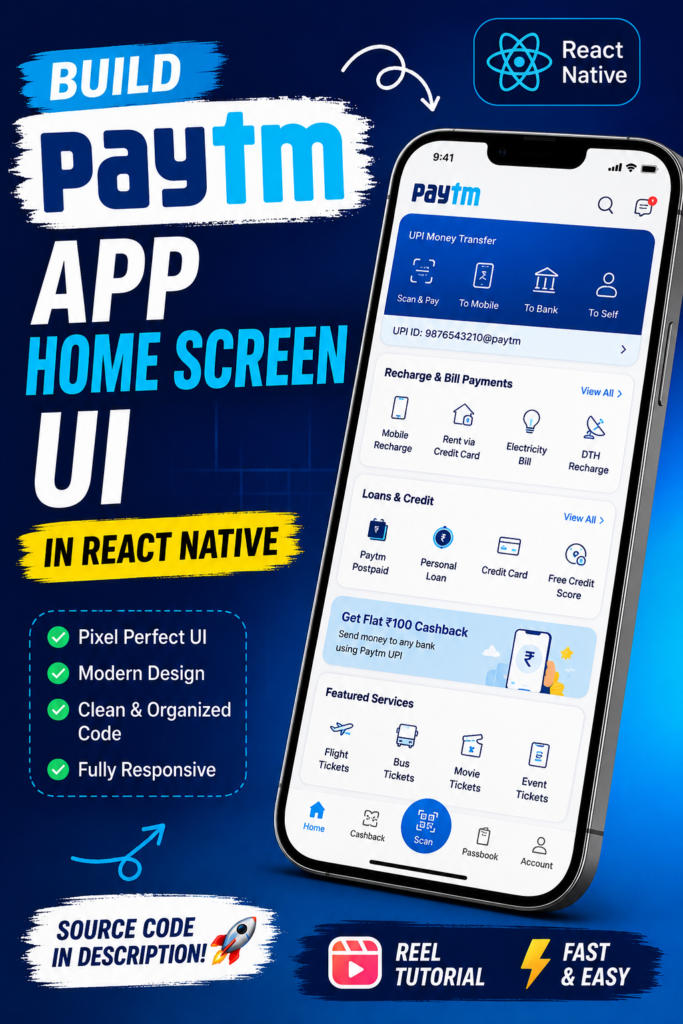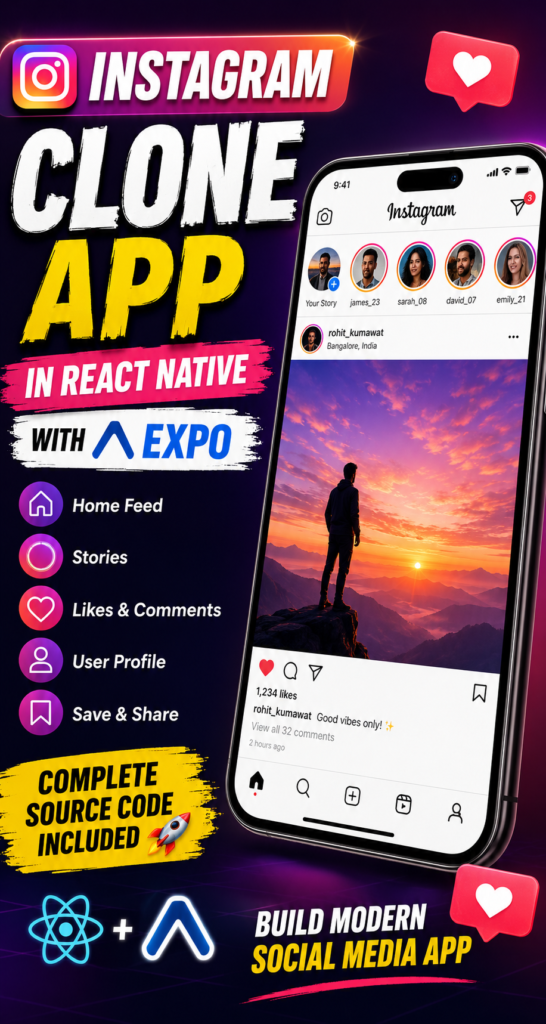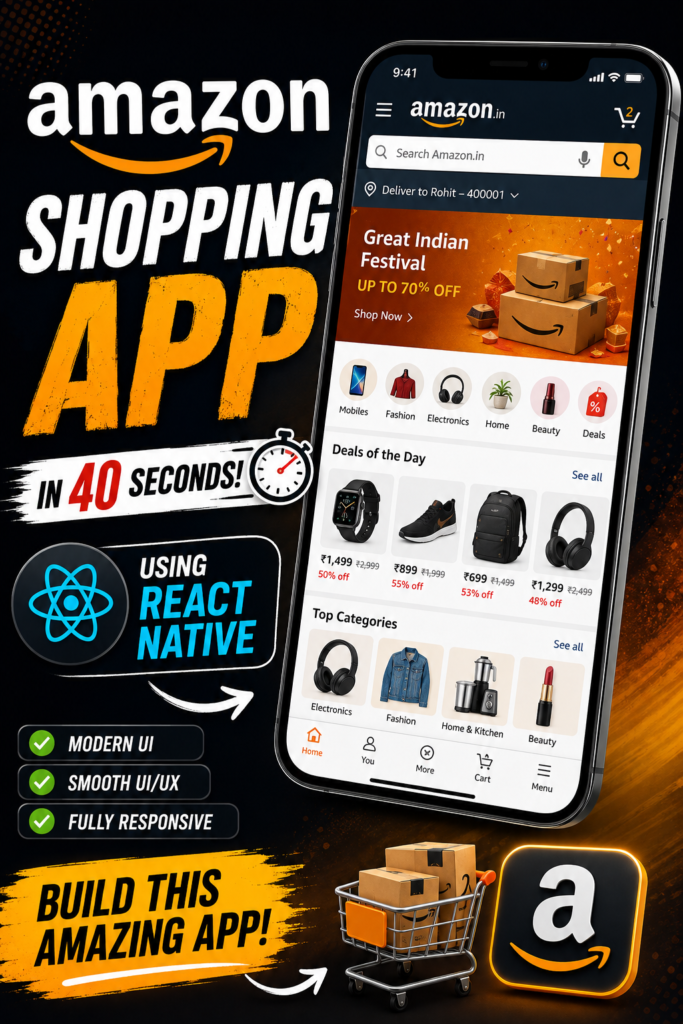
Build a modern Amazon Shopping App – React Native and Expo with a responsive e-commerce interface, product carousel, promotional banners, category navigation, product listings, cart management, and mobile-friendly navigation.
This project is designed for developers who want to learn how to build a real-world shopping application UI using React Native.
🚀 Key Features
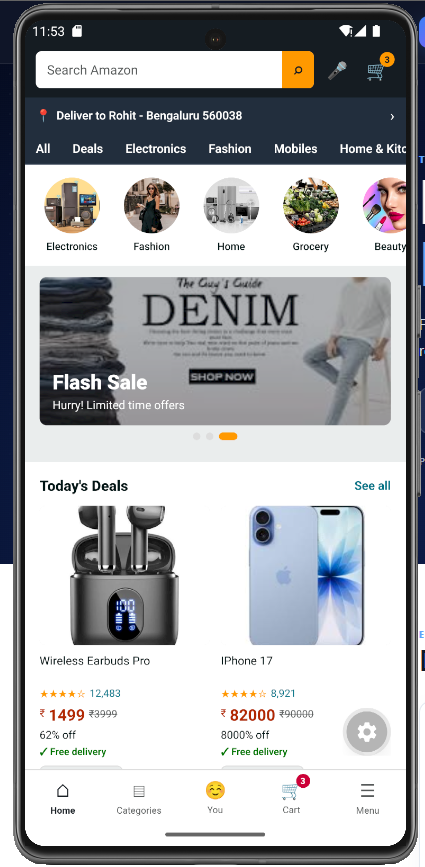
1. Amazon-Inspired Responsive UI
- Modern e-commerce home screen
- Mobile-first responsive layout
- Amazon-inspired navigation and visual structure
- Clean product cards
- Responsive spacing and typography
- Optimized UI for different screen sizes
- Reusable React Native components
2. 🛒 Shopping Cart
The project includes a functional cart experience.
Features include:
- Add products to cart
- Remove products
- Increase product quantity
- Decrease product quantity
- Cart item count
- Product price calculation
- Total cart amount
- Cart summary
- Empty cart state
3. 🖼️ Banner Carousel / Image Slider
The home page includes a promotional banner carousel.
Features:
- Automatic banner sliding
- Swipe gestures
- Multiple promotional banners
- Pagination indicators
- Responsive banner sizing
- Promotional sale sections
4. 📱 Mobile Navigation
The application includes bottom navigation for major shopping sections.
Example navigation:
- Home
- Categories
- Cart
- Profile
- Menu
This makes the project feel closer to a real-world mobile shopping application.
5. 🛍️ Product Listing
Product sections can display:
- Product image
- Product name
- Current price
- Original price
- Discount percentage
- Product rating
- Product category
- Add to cart button
6. 📦 Product Categories
The home screen can contain horizontally scrollable categories such as:
7. 🔥 Deals & Offers
- Mobiles
- Electronics
- Fashion
- Home & Kitchen
- Beauty
- Shoes
- Accessories
- Deals
Dedicated promotional sections for:
- Deals of the Day
- Flash Deals
- Discounted Products
- Trending Products
- Recommended Products
- Best Sellers
8. 🔍 Search UI
The project includes an e-commerce-style search interface for searching products.
You can later extend it with:
- Search API
- Search suggestions
- Product filtering
- Sorting
- Search history
9. ⚡ Smooth React Native Experience
The UI is built using reusable React Native components with a focus on:
- Smooth scrolling
- Component reusability
- Responsive layouts
- Fast navigation
- Clean UI architecture
🧰 Technologies Used
| Technology | Purpose |
|---|---|
| React Native | Mobile application UI |
| Expo | React Native development environment |
| JavaScript / TypeScript | Application logic |
| Expo Router / React Navigation | Navigation |
| React Native components | UI development |
| Carousel / Slider | Promotional banners |
| State management | Cart management |
| Local data | Demo products |
| Responsive styling | Mobile UI |
💻 Requirements
Before installing the project, make sure you have:
Required
- Node.js LTS
- npm
- VS Code or another code editor
- Android phone or Android Emulator
- Expo Go for quick testing
Expo officially recommends using a Node.js LTS version and supports Windows, macOS and Linux development environments.
Recommended
- Git
- Android Studio
- Android SDK
- Physical Android device
For beginners, a physical Android phone with Expo Go is usually easier than configuring an emulator.
📥 Step-by-Step Installation
Step 1 — Install Node.js
Download and install the current Node.js LTS release.
After installation, verify:
node-v
Then:
npm-v
You should see the installed Node.js and npm versions.
Step 2 — Install Expo / Create Expo Project
You don’t actually need to install the old global Expo CLI.
Expo recommends using create-expo-app.
For a new project:
npx create-expo-app@latest AmazonShoppingApp
Expo’s current documentation recommends create-expo-app for initializing projects.
Important: Expo SDK versions change. If your SkillHost downloadable project is already configured, users should generally not recreate the project. They should extract the ZIP and install its existing dependencies.
Step 3 — Open the Project
cd AmazonShoppingApp
Open the folder in VS Code:
code .
Step 4 — Install Dependencies
If the project contains package.json, simply run:
npm install
This installs the dependencies required by the project.
Don’t randomly run npm install for additional packages unless the project documentation requires them. That can introduce incompatible versions.
Step 5 — Start Expo
Run:
npx expo start
Expo starts the development server and displays a QR code.
Step 6 — Run on Android Phone
Install Expo Go on your Android phone.
Then:
- Connect your computer and phone to the same Wi-Fi network.
- Run:
npx expo start
- Scan the QR code using Expo Go.
- The application should open on your phone.
Expo specifically documents this QR-code workflow for running projects on physical devices.
Step 7 — If QR Code Doesn’t Work
Try tunnel mode:
npx expo start--tunnel
Tunnel mode can help when LAN networking prevents your phone from connecting to the development server, although Expo notes that it is slower than LAN/local connections.
🤖 Run on Android Emulator
If Android Studio and an emulator are configured:
npx expo start
Then press:
A
Expo can launch the project on the Android emulator from the development server.
🌐 Run on Web
If the project supports Expo Web:
npx expo start
Then press:
W
Expo supports running a project across Android, iOS and web depending on the project configuration.
🎯 What You’ll Learn
This project is particularly useful for developers learning:
- React Native
- Expo
- Mobile UI development
- E-commerce UI architecture
- React component architecture
- Navigation
- State management
- Shopping cart logic
- Horizontal scrolling
- Carousel implementation
- Responsive mobile design
- Product-card design
- Reusable components
🔮 Future Improvements
This is where SkillHost can make the project more valuable.
The current project can later be extended with:
Backend Integration (If you want)
- PHP Symfony, Python, Node.js, Java API
- MySQL database
- REST API
- Authentication
Advanced E-commerce Features
- User registration/login
- Product details
- Wishlist
- Product reviews
- Product ratings
- Address management
- Checkout
- Order history
- Payment gateway
- Coupon system
- Inventory management
Advanced Search
- Search suggestions
- Filters
- Sorting
- Category filtering
- Price range
- Rating filtering
Production Features
- Push notifications
- Deep linking
- Analytics
- Crash reporting
- App Store deployment
- Google Play deployment
⚠️ Important Project Disclaimer
I strongly recommend putting this on the SkillHost page:
Disclaimer: This is an independent educational project inspired by modern e-commerce applications. It is not affiliated with, sponsored by, or endorsed by Amazon. Amazon and related trademarks belong to their respective owners.
Also avoid claiming:
“Amazon Clone”