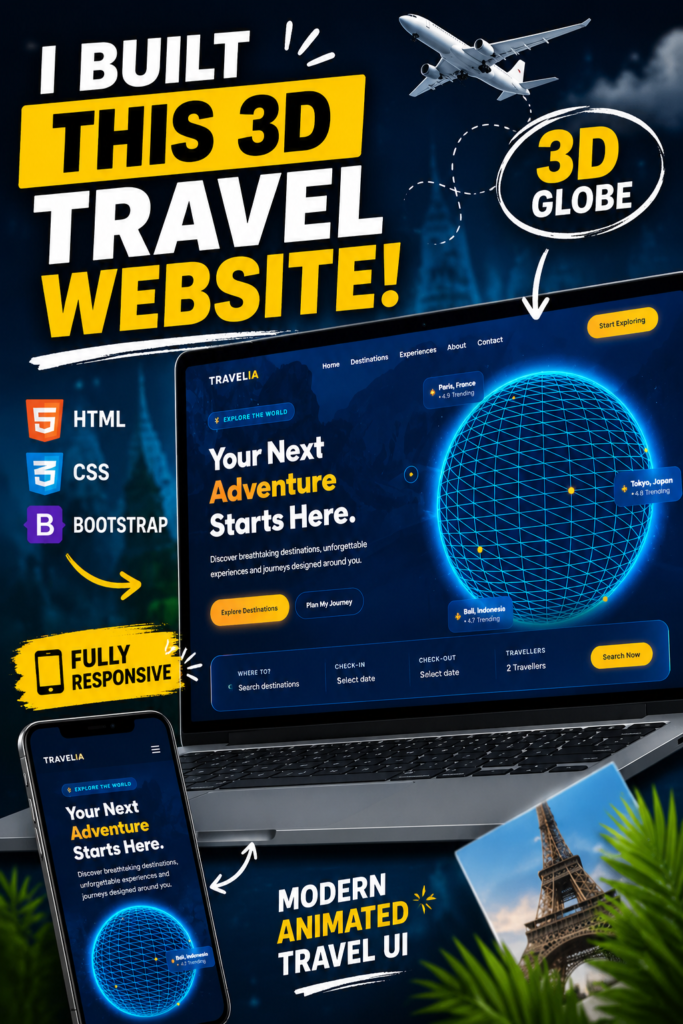
Travelia – 3D Travel Website Landing Page
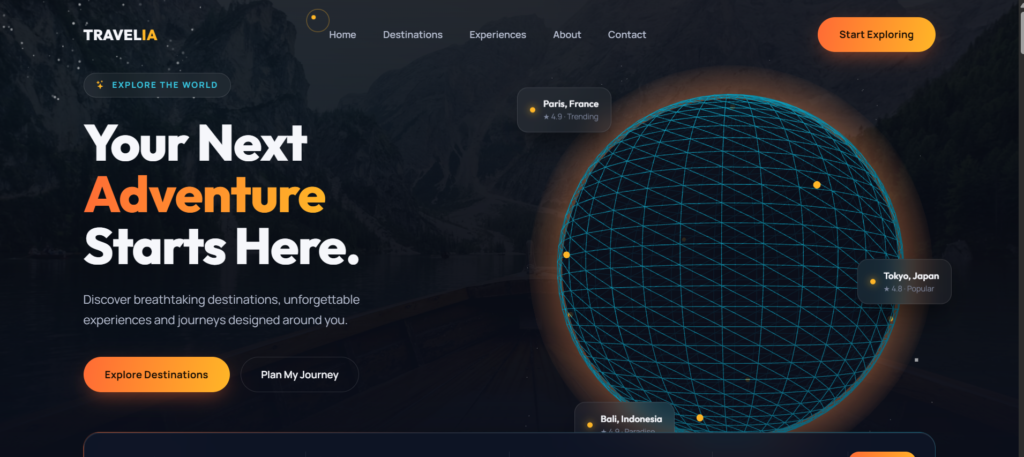
Travelia is a modern and visually immersive 3D travel website landing page designed for developers who want to create an attractive travel website using HTML, CSS and Bootstrap.
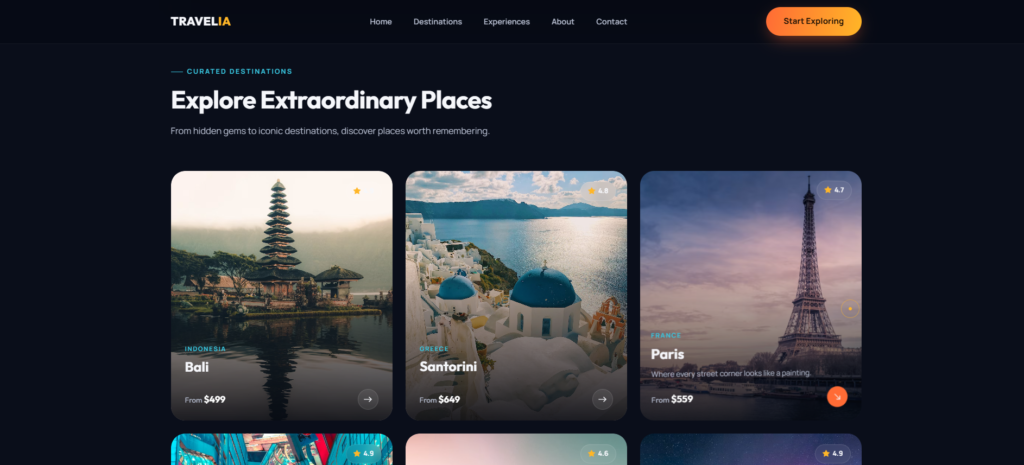
The project features a futuristic travel-inspired interface with an interactive 3D globe, destination highlights, floating location cards, smooth animations, navigation menus and responsive layouts.
It is suitable for developers learning HTML, CSS, Bootstrap, frontend web development, UI/UX design and responsive website development.
✨ Key Features
- 🌍 Interactive 3D globe-style travel visualization
- ✈️ Modern travel website landing page
- 📍 Destination cards and location highlights
- 🎨 Beautiful gradient-based UI
- 🖥️ Responsive desktop design
- 📱 Mobile-friendly layout
- ✨ Smooth CSS animations
- 🧭 Navigation menu
- 🔎 Travel search/check-in interface
- 🎯 Attractive CTA buttons
- 💫 Floating UI elements
- 🎨 Modern typography and visual hierarchy
- ⚡ Lightweight frontend implementation
- 📦 Easy to customize
- 👨💻 Beginner-friendly project structure
🛠️ Technologies Used
- HTML5
- CSS3
- Bootstrap
- JavaScript (only if your project actually uses it)
- Responsive Web Design
Don’t list JavaScript/Three.js unless you actually used them. That’s important for credibility.
⚙️ How to Run the Project
Step 1 — Download the Project
Download and extract the Travelia project ZIP file.
Step 2 — Open the Project
Open the extracted project folder in Visual Studio Code.
Step 3 — Run the Website
Open index.html directly in your browser.
For a better development experience, install the Live Server extension in VS Code and select:
Right Click → Open with Live Server
Step 4 — Customize
You can modify:
- Destination names
- Images
- Colors
- Fonts
- Navigation links
- CTA buttons
- Travel content
- Globe/location information
🎯 Requirements
Required:
- Modern web browser
- Visual Studio Code (recommended)
- Basic HTML/CSS knowledge
No backend or database is required for the frontend version.
👨💻 Who Is This Project For?
This project is useful for:
- Beginner frontend developers
- HTML/CSS learners
- Bootstrap developers
- College students
- BCA/MCA/B.Tech students
- Portfolio projects
- Travel website projects
- UI/UX practice
- Frontend development practice
- Developers creating landing pages